Wiki
ColoTycoon Wiki
Every screen and idea in the game in plain words, with pictures: what it is, what it is for and when you need it. For the numbers behind it all, see the feature pages
Getting started
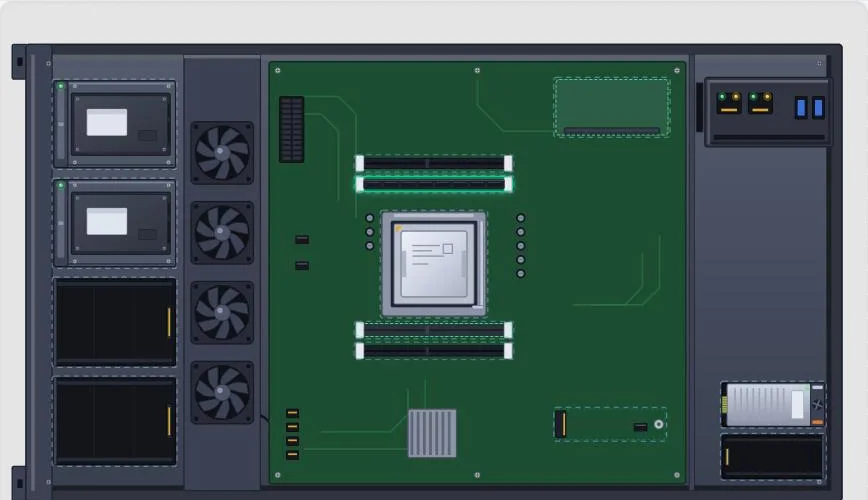 Your first hour
From a brand-new company to a server that is built, racked, online and selling, step by step, with the mistakes new players make most.
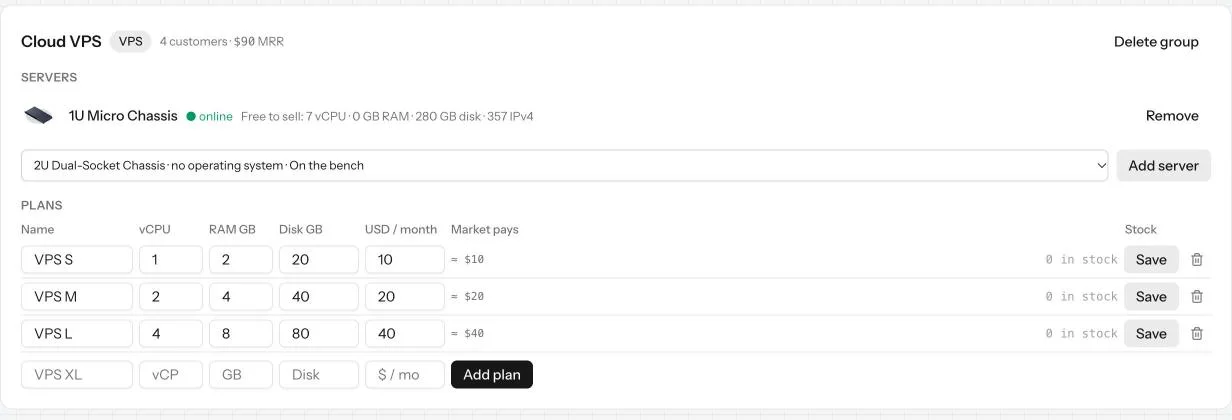 Your first customers
Your server is online and on sale. How the first orders arrive, what to watch in the first hours and how to tell what is holding sales back.
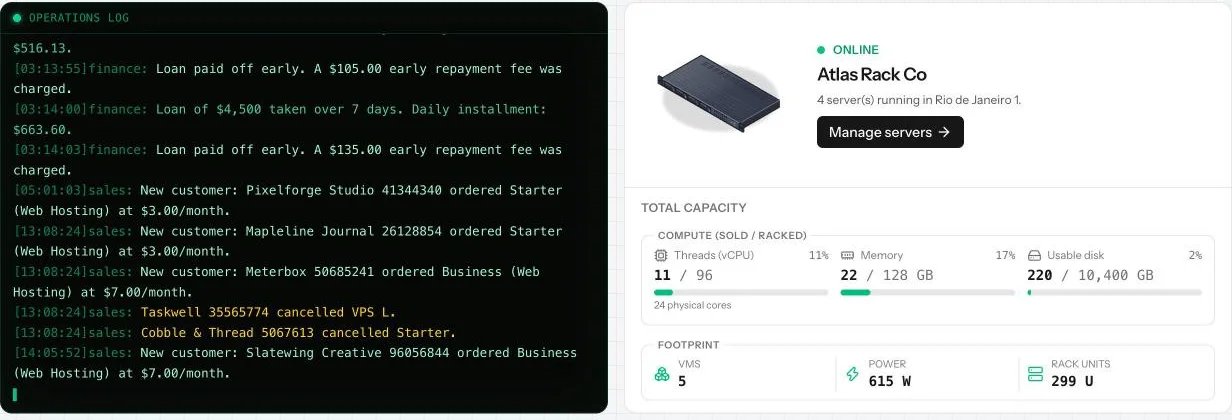 The billing clock
Why monthly prices are paid every real day in ColoTycoon, and how rent, salaries, licenses and customer payments all follow the same clock.
Screens
Overview
The Overview page is your company at a glance: the live operations log, your servers, total capacity, cash forecast, uptime and wear forecast.
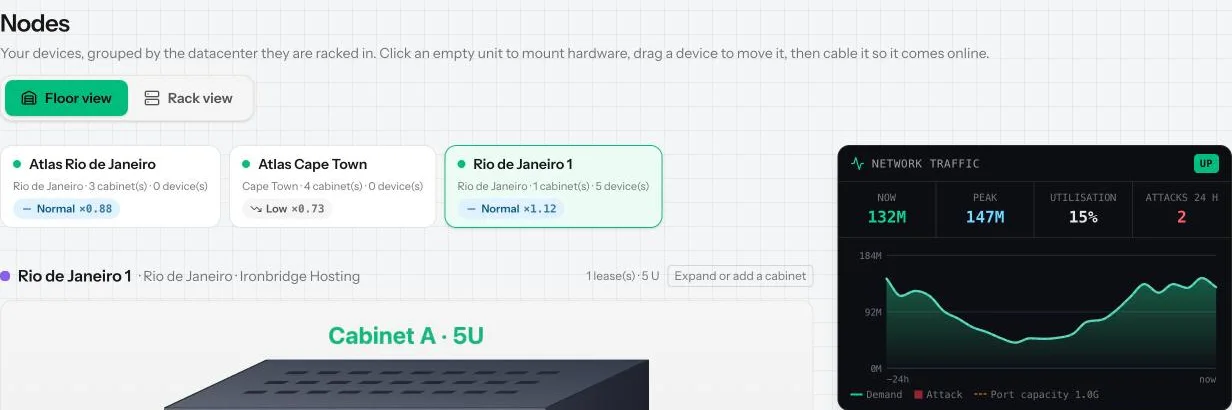 Racks
The Racks page shows every cabinet you rent or own, in floor view and rack view. Mount devices, move them, cable them and watch traffic here.
Nodes
The Nodes page is your workbench. Every server you own is here, opened up so you can choose its parts, its storage layout and its operating system.
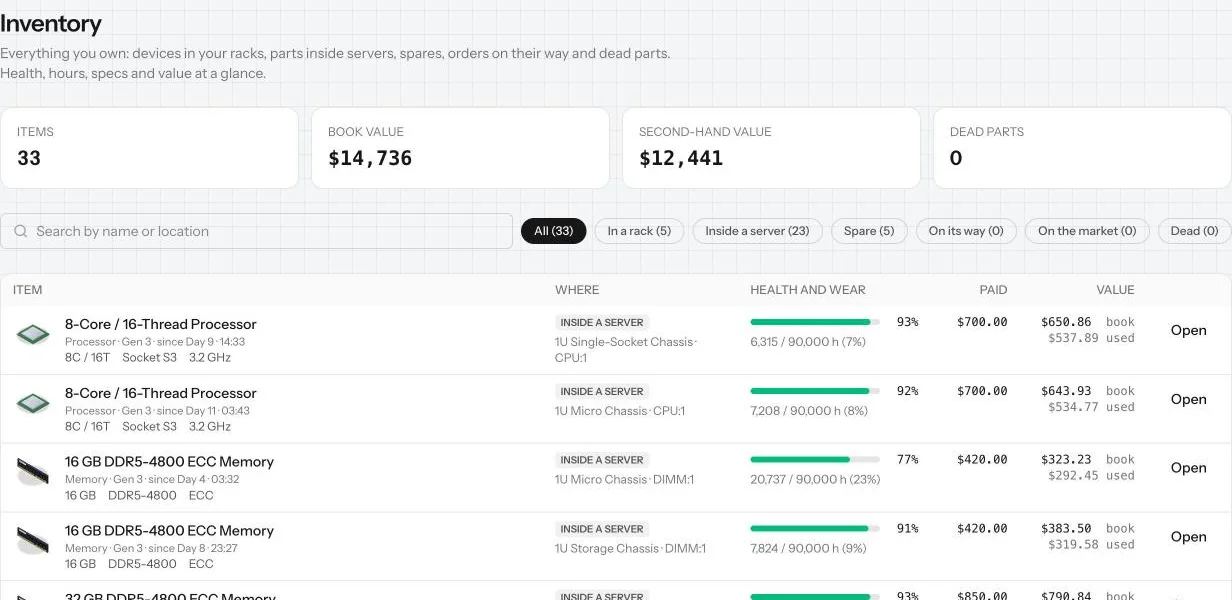 Inventory
The Inventory page lists everything you own, wherever it is, and is where you sell spares, scrap what you do not need and earn scrap points.
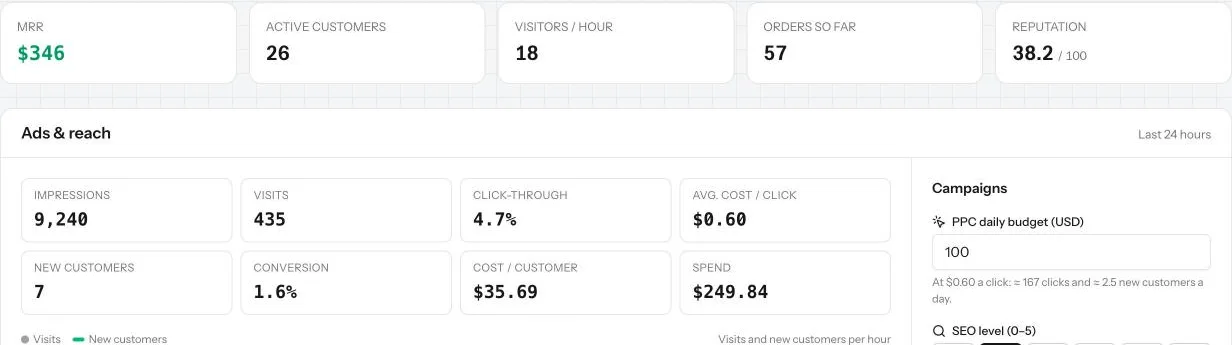 Sales
The Sales page turns your servers into products. Group them, choose plans and prices, bring visitors in, and keep the customers you win.
 Finance
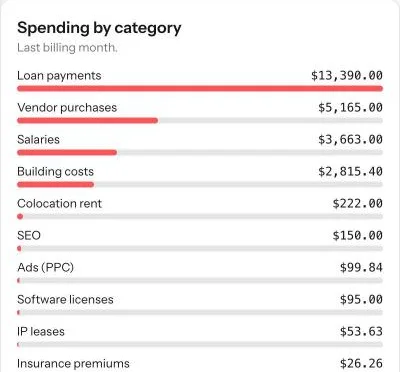
The Finance page shows where money comes from and where it goes, how long your cash lasts, and holds bank loans, insurance and every transaction.
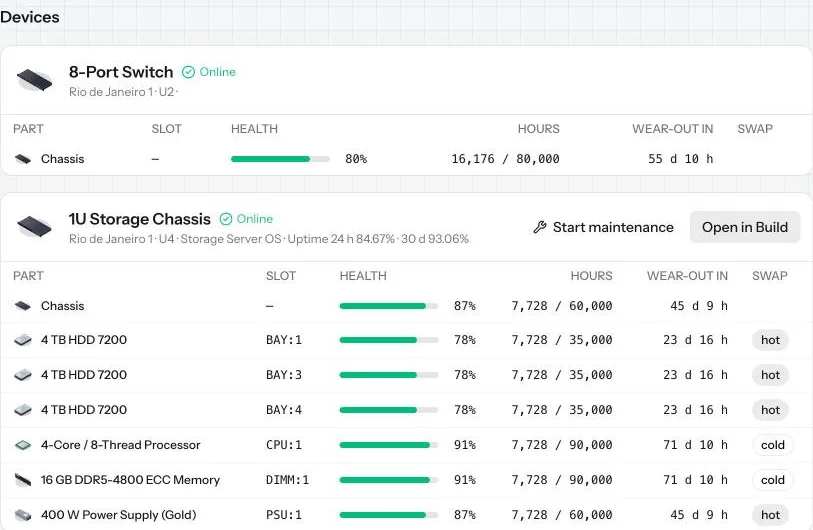 Maintenance
The Maintenance page shows the health of every device and part, the parts that need attention, your planned maintenance windows and your spares.
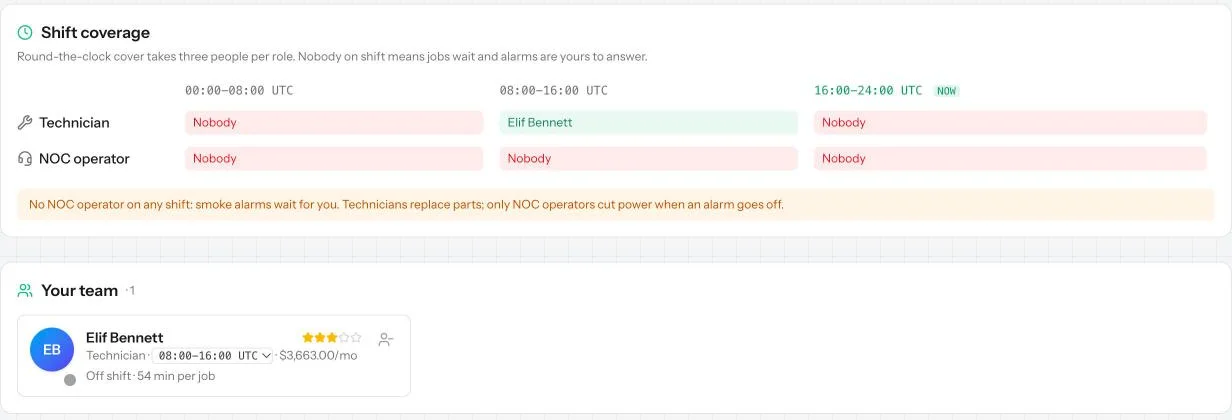 Staff
Hire technicians and NOC operators who replace failed parts and answer smoke alarms on shift, even while you are offline. Shifts, pay and rules.
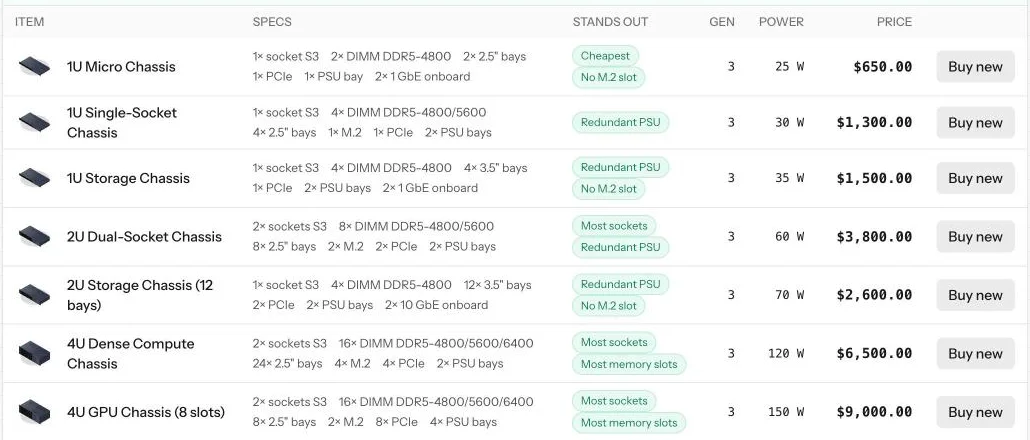 Vendor shop
The Vendor shop sells brand-new hardware: chassis, processors, memory, disks, network gear, power and cooling. How to read it and what to buy first.
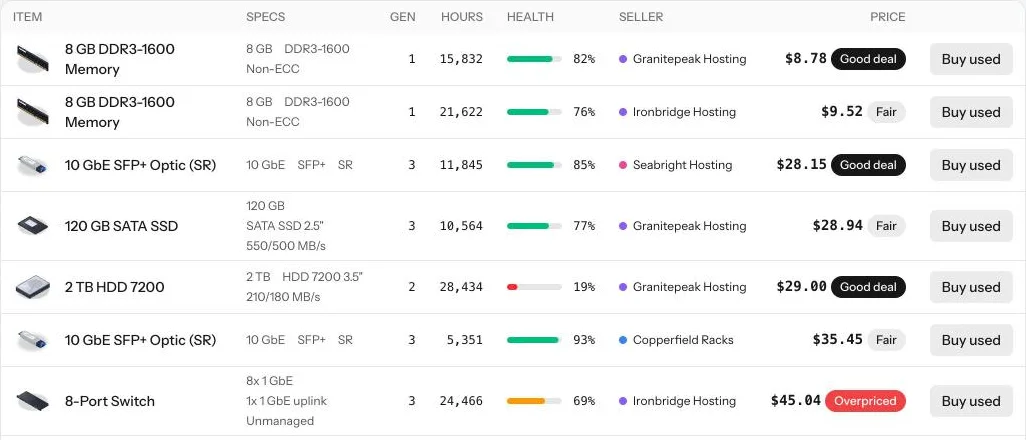 Second-hand market
Buy used hardware from other companies, judge a deal by its health and fair price, haggle with offers, and sell your own spares.
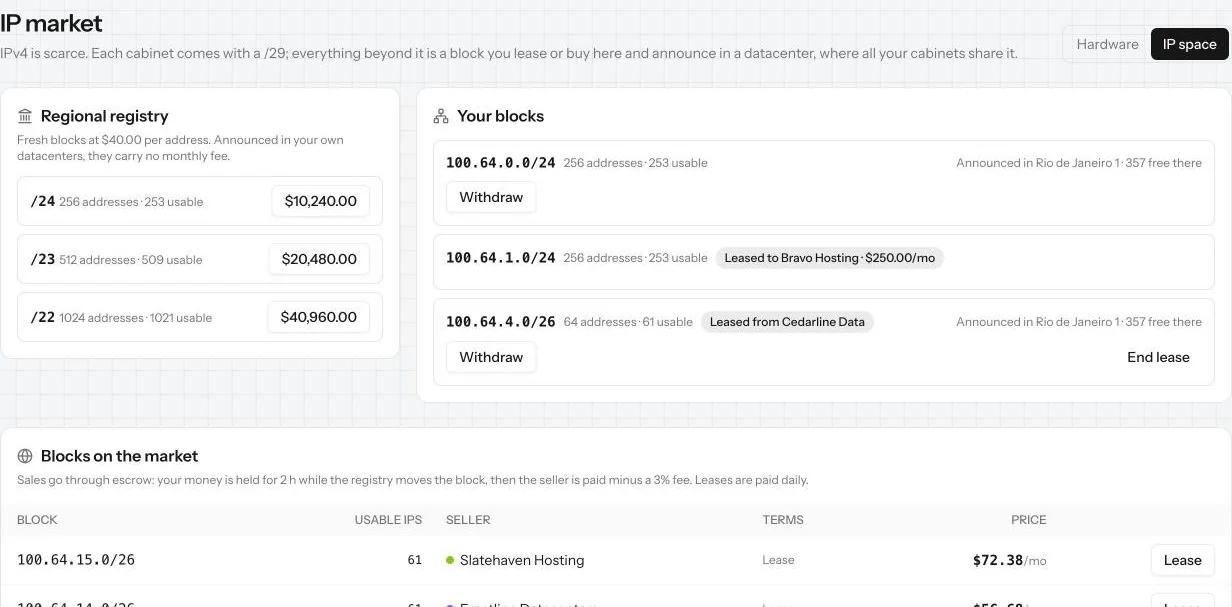 IP market
The IP market is where you lease or buy blocks of IPv4 addresses, announce them in your datacenters, and sell or lease your own blocks to others.
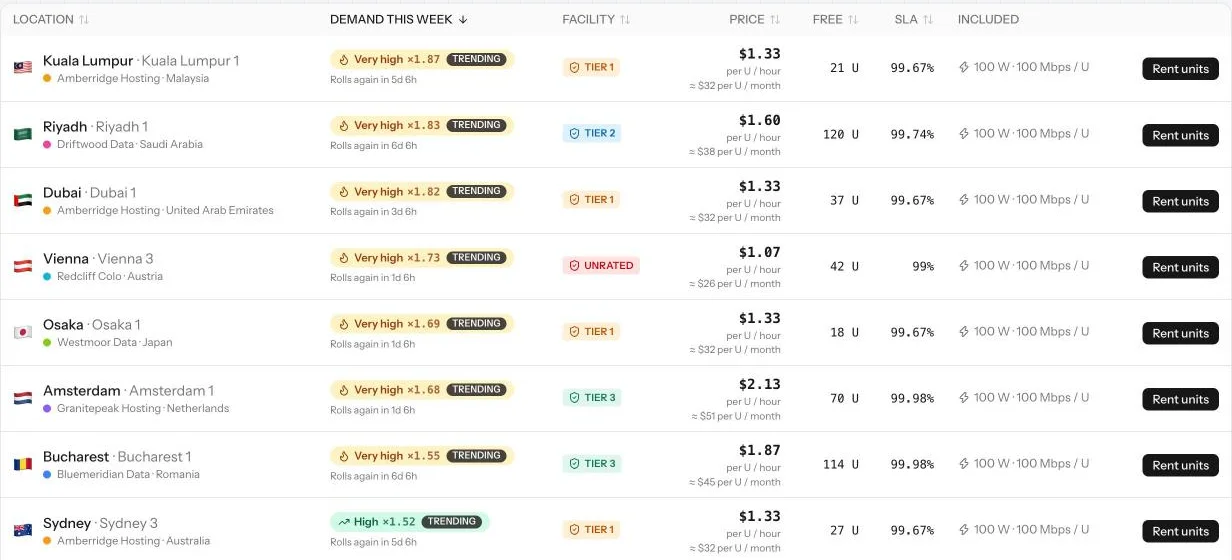 Colocation
Rent cabinets in other companies' datacenters. How to compare offers by demand, building tier, price and SLA, and how to grow or end a contract.
 Estate
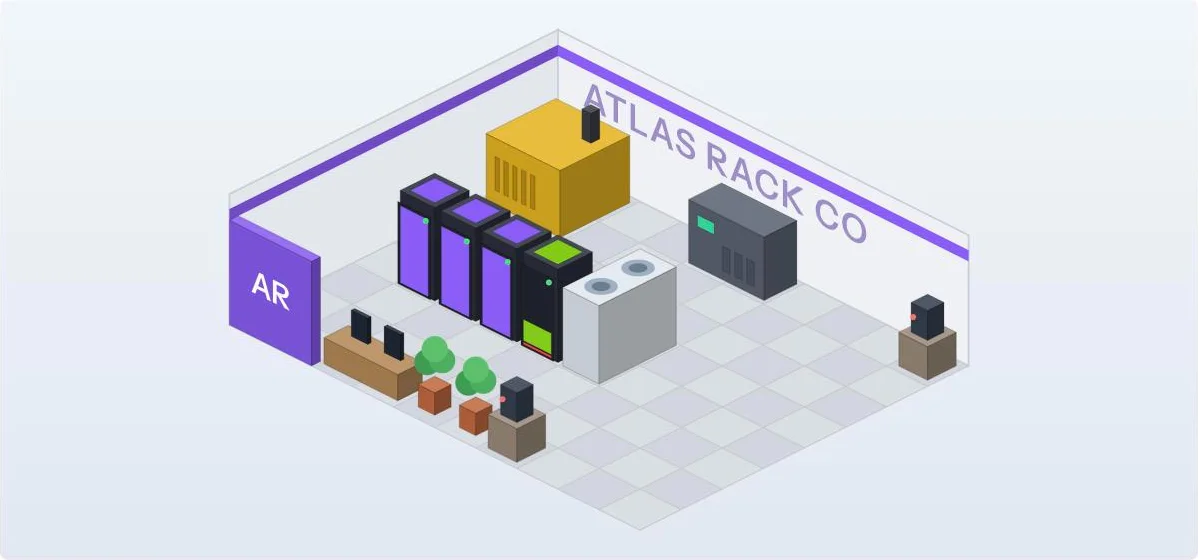
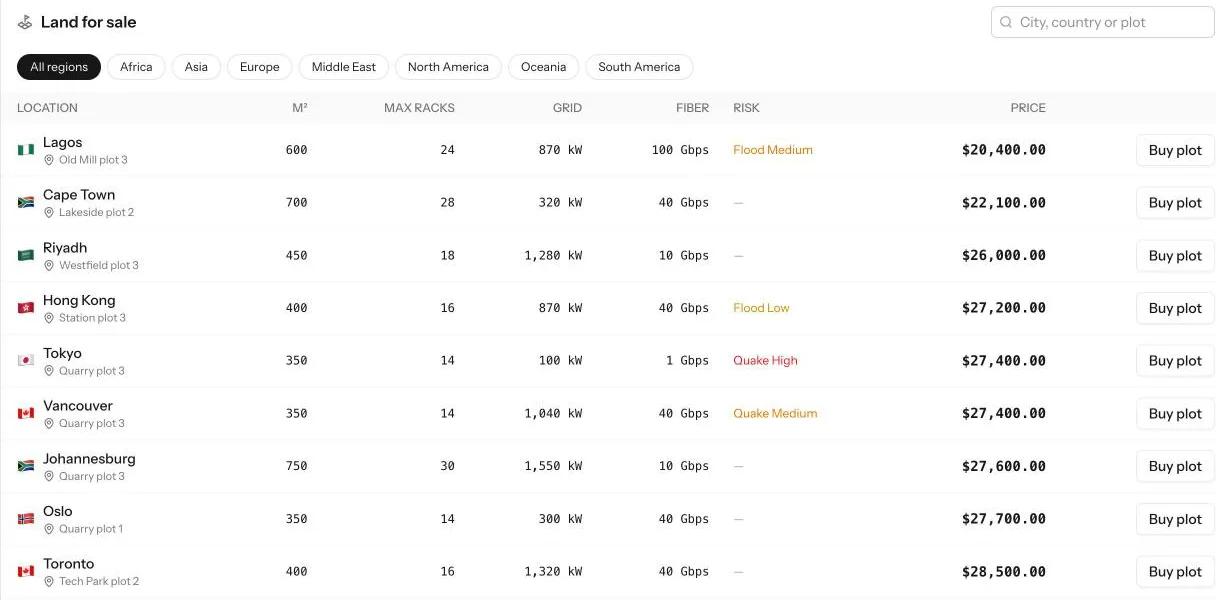
Buy land, build your own datacenter, put cabinets into service, arrange the floor and rent space to other companies. What each era unlocks.
Leaderboards
How every player company is ranked on value, revenue, customers, compute, uptime and efficiency, and what a company's public profile shows.
Servers
Server parts
Every part a server can take, from chassis to network cards and GPUs: what each one does, what it must match, and what it changes for your customers.
 Storage layouts
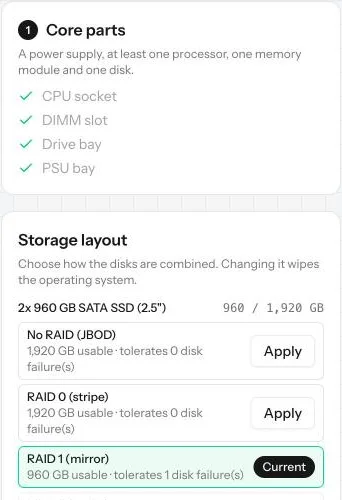
How identical disks are combined in RAID: No RAID, RAID 0, 1, 5 and 10. What each gives in space and safety, and what happens when a disk dies.
Operating systems
Every operating system in the game, what it costs, what processor it needs and what you can sell with it: Linux, hypervisor, commercial, storage.
VPS, hosting and dedicated
The three products you sell: virtual servers, shared web hosting and whole dedicated machines. Who buys each, what it needs and how stock is counted.
Backups
A backup server keeps a copy of your servers' data. If disks fail beyond what RAID survives, customers keep their data instead of leaving.
Moving customers
Empty a VPS server by moving all its virtual machines and their customers to another server in the same datacenter.
Your datacenter
 Cabinets
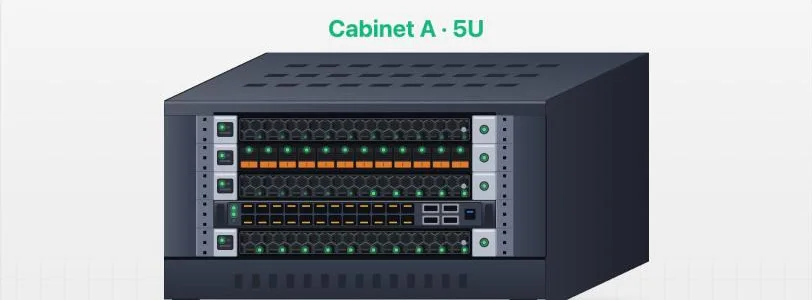
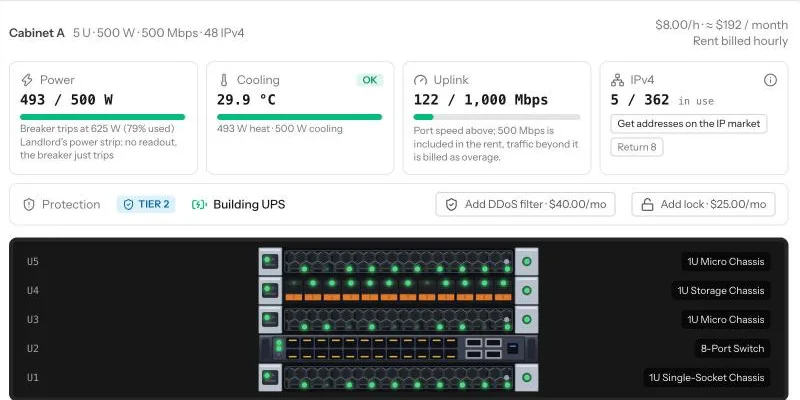
A cabinet is the rack your servers live in. It comes with power, cooling, an internet line and a few IP addresses, each with limits to watch.
 Networking
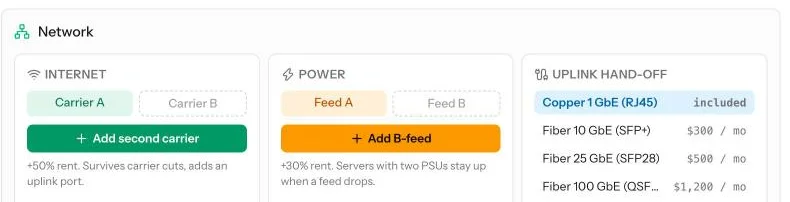
How servers reach the internet: switches, firewalls, routers and cables, the uplink and its speed, second carriers, fibre hand-offs and DDoS attacks.
 Power and cooling
Power and heat in a cabinet: included power, overage, the breaker, power strips, UPS, A and B feeds, redundant supplies, cooling units and temperature.
IP addresses
Why every VPS and dedicated customer needs an IPv4 address, how many a cabinet has, what happens when they run out, and where to get more.
Datacenter tiers
What Unrated, Tier 1, Tier 2 and Tier 3 buildings protect you from: power cuts, sags, fires, floods, quakes, burglars and staff mistakes.
Your own building
From land to a running datacenter: buying a plot, designing and building it, opening cabinets, its running costs, and renting space to other players.
Customers and money
Marketing
Where visitors come from: paid search ads, SEO and blog posts. How each works, how to read Ads and reach, and how visitors become customers.
Customers and churn
Who your customers are, how they pay, why they leave and how reputation changes everything. Reading the Paying now and Lost tabs on Sales.
Loans
How the bank decides what you can borrow, how daily installments work, what missing one does, and when a loan is a good idea.
 Insurance
Hardware insurance pays back the value of equipment lost to fire, flood or theft. The two plans, the waiting period, claims and when cover lapses.
The exchange
How your company is valued, listing it on the stock exchange, buying and selling shares, paying dividends, and buying other companies.
Risks and progress
Incidents
Everything that can go wrong: grid outages, power sags, feed and carrier cuts, smoke and fire, floods, earthquakes, burglaries, DDoS, frozen servers.
Maintenance windows
How to change parts that need a shutdown without hurting customers: scheduling a window, hot and cold swap, and what a forced shutdown costs.
Remote hands
Who does the hands-on work in a rented cabinet: the building's technicians. Their free time, their fees, the job queue and how to go faster.
 Eras
The four stages of a company: Tenant, Established, Site owner and Regional network. What each one needs, what it opens up and how the world changes.
 Premium
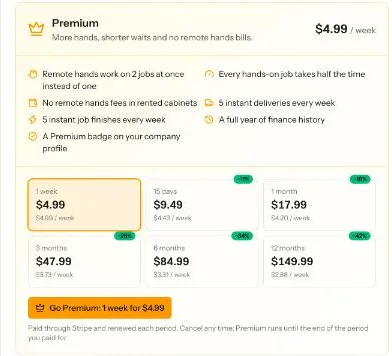
What a Premium membership gives: faster hands-on work, no remote hands fees, instant deliveries and finishes, a year of finance history. Nothing pay-to-win.
Start a hosting company with $50,000
Free to play in your browser. One shared world, running in real time.